This week we’ve pushed updates to Slack updates and improved our SLA functionality to help you make your SLAs more actionable. Let’s jump in.
Ticket statuses in Slack
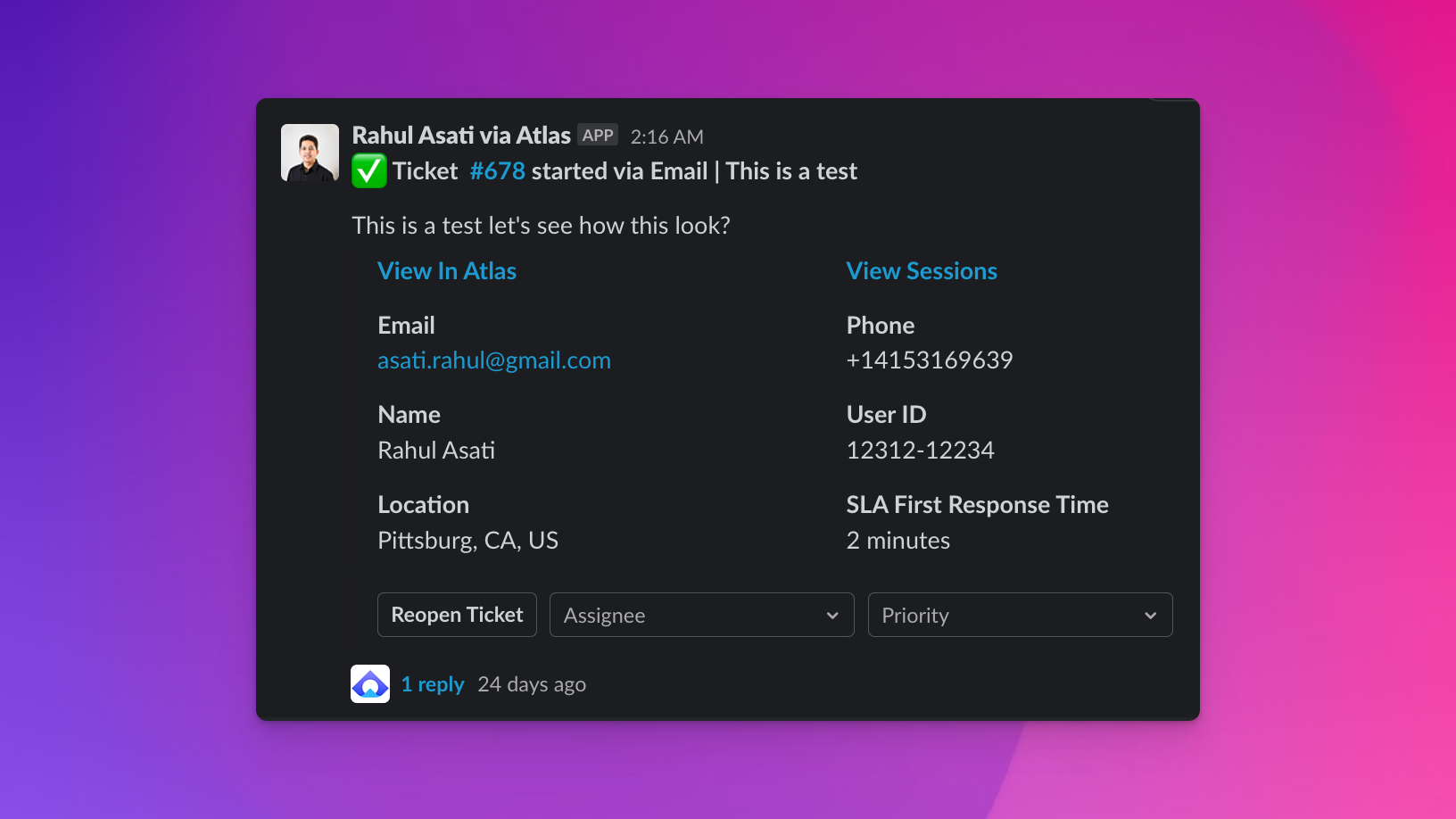
Several of our early stage customers have told us that they respond to the majority of their tickets directly from Slack. With that in mind, we wanted to make it easier to know what’s happening in regards to a given ticket from Slack, so we added a few things to make it easier to do so:
- ticket status: all tickets are now prepended by either 📥 (open), ✅ (closed), or 💤 (snoozed)
- page: the page your customer was on when they submitted this ticket (only works for chat)
- SLA time: if applicable, you’ll see the SLA policy and time that you have to respond to the ticket to keep the policy
We’ve also made a handful of fixes and upgrades to our Slack integration:
- better support for emojis across all channels
- support for attachments sent from Slack
- messages not sent with @Atlas at the beginning are recorded as internal notes
SLA improvements
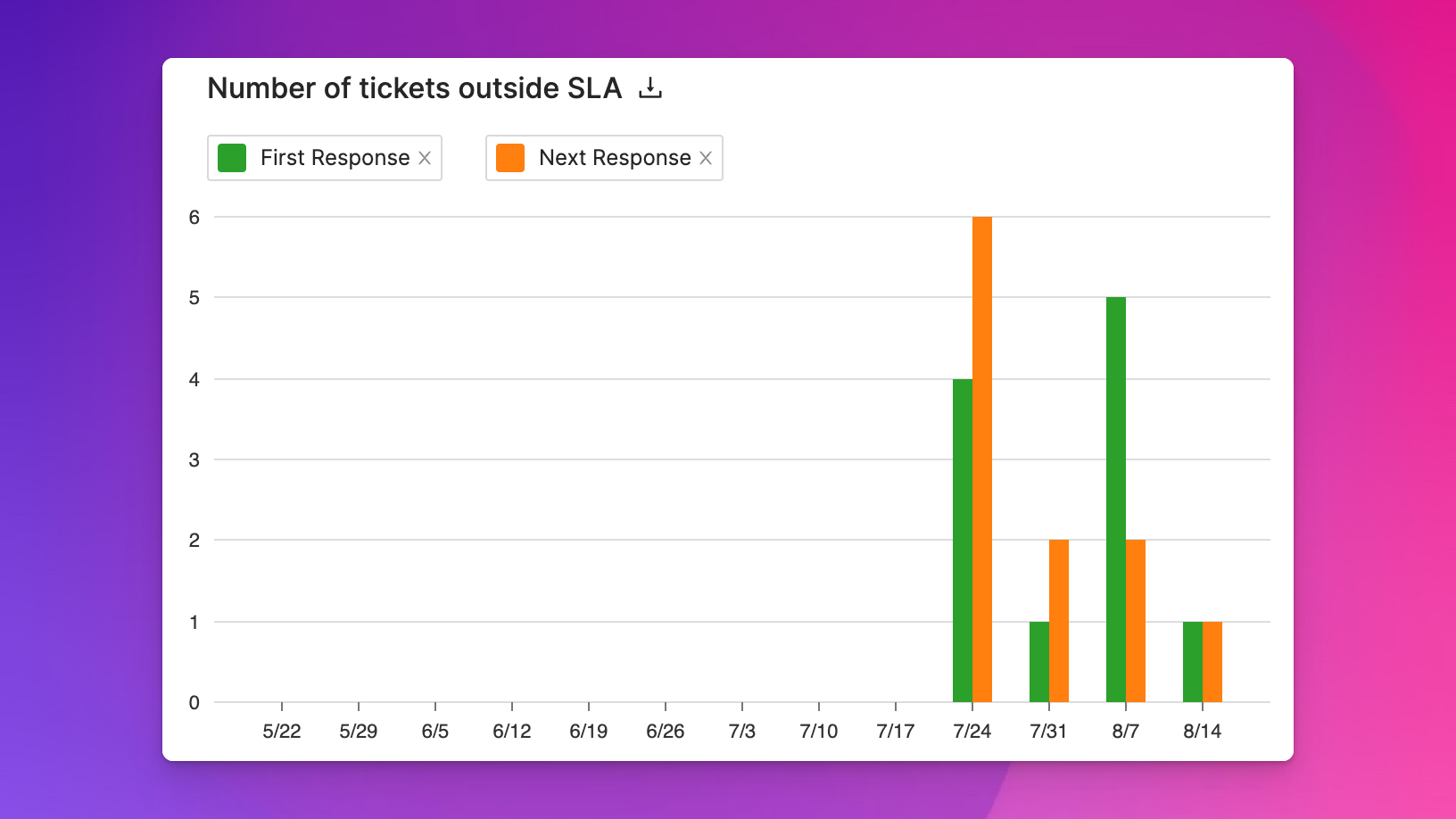
We’ve updated the Reports page to now include tabs for different types of reports, including SLAs. On this tab, you can currently see the number of tickets that are outside of your pre-determined SLA policies as well as the percentage of your tickets that are outside of your SLA policies.
You can also download the list of underlying tickets in case you want to do an analysis on individual tickets.
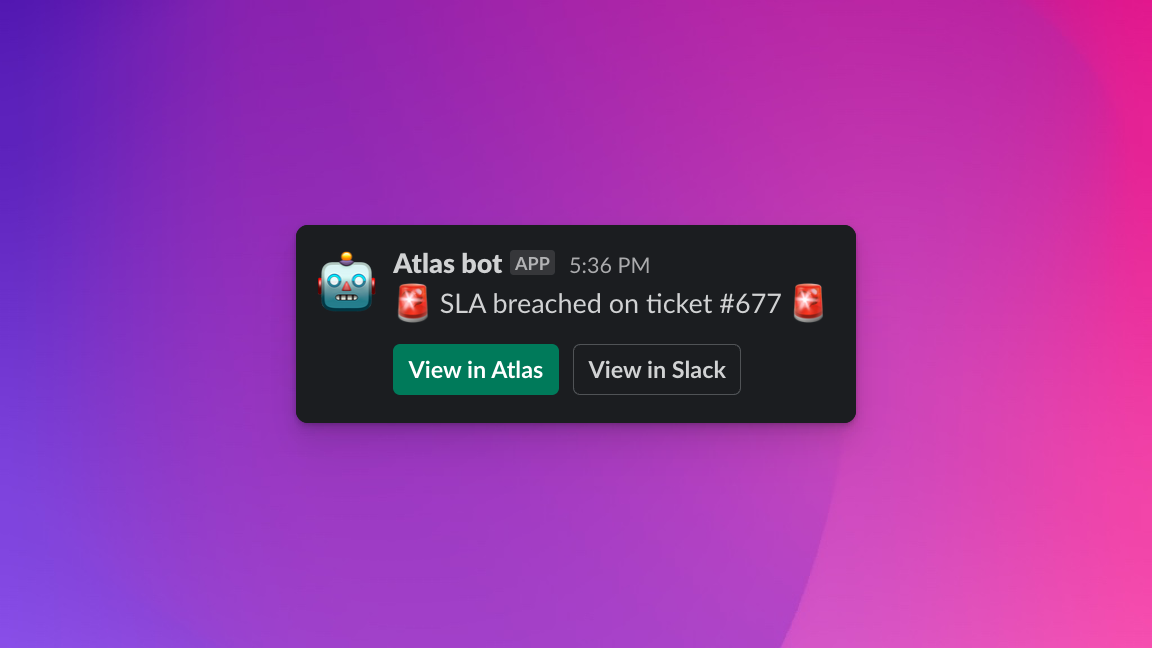
In addition to SLA repots, we’ve also added SLA notifications so that you can know whenever a ticket breaches an SLA, you get an alert about it immediately in Slack.