When you transition from using a single Gmail inbox to multiplayer support, you’ve officially entered the territory of ticket management. We’ve added a handful of features to help you better keep track of your customers’ tickets.
SLA
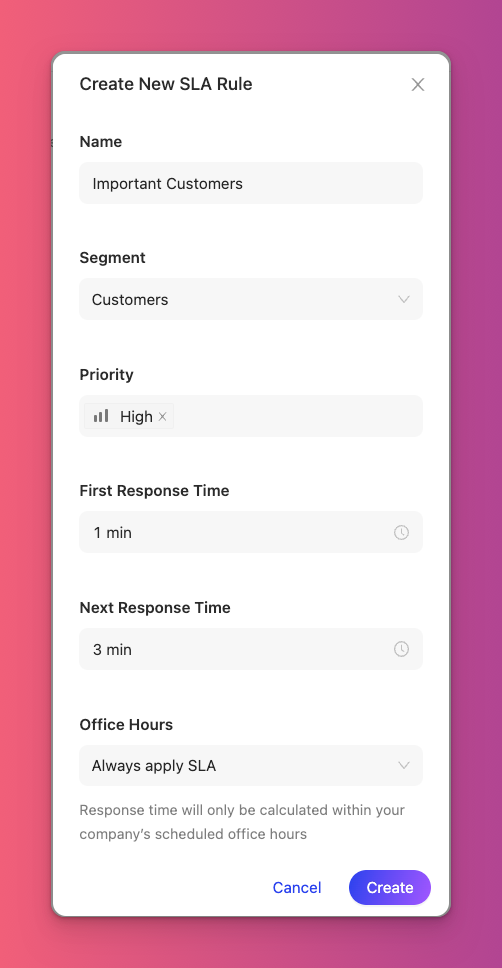
Set your standard response times for different user types and ticket priority levels using SLA rules. As a rule of thumb, it’s a good idea to respond to emails within 1 hour and chats within 10 minutes.
Priority
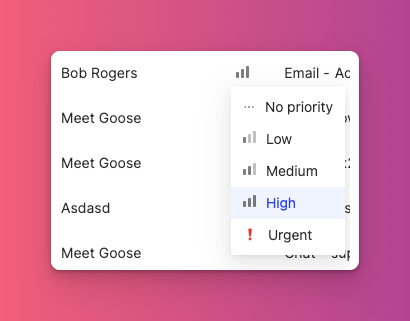
Set the priority of your tickets to keep track of which tickets are most important and to have SLA’s take effect where relevant.
Snooze
Remove tickets from your active queue and schedule a time for them to return to your queue with snooze.

Tags
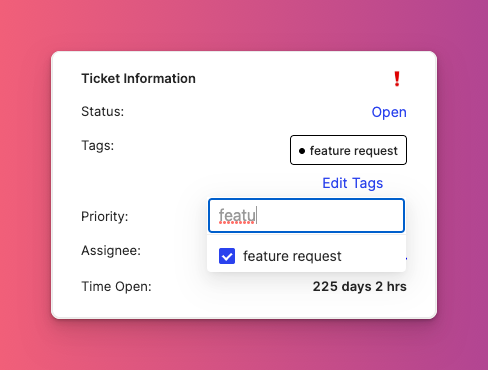
Organize tickets by topic with tags and tag groups. Not sure where to start with tag groups? Try Bugs, Knowledge Based, Feature Requests, and Manual Tasks.
Looking for any other features? Let us know!