Back Sep 20th, 2023
Sidebars
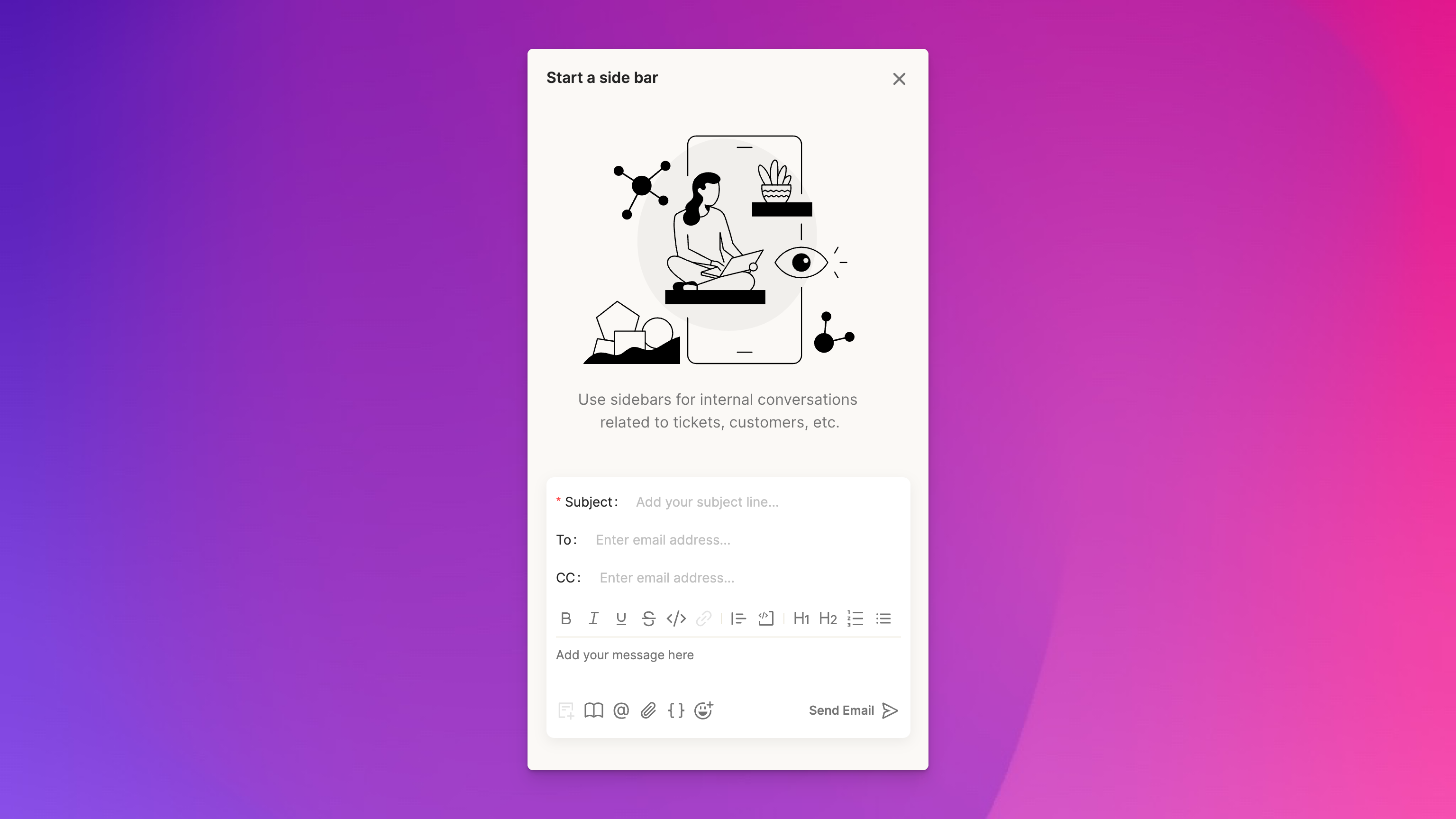
For certain types of tickets, you need to have a conversation with someone outside of your support team (eg, customer success, eng, legal, HR, a vendor, etc.) and it’s incredibly helpful to keep those conversations within the scope of a customer ticket. We’ve created sidebars to handle this scenario.
To start a sidebar:
- click on the actions menu (”…”) on a ticket and select “Start a sidebar”
- set the subject and to fields, type your message, and send the email
- responses to sidebars will show up in your inbox
- new sidebar messages will also show up as activities within the associated ticket