This week we’re rolling out a raft of features to improve emails, search, and reporting:
- Email subjects and CCs
- Improved email formatting
- Search for CSAT and tag groups
- New report filters
Ticket subjects and CCs
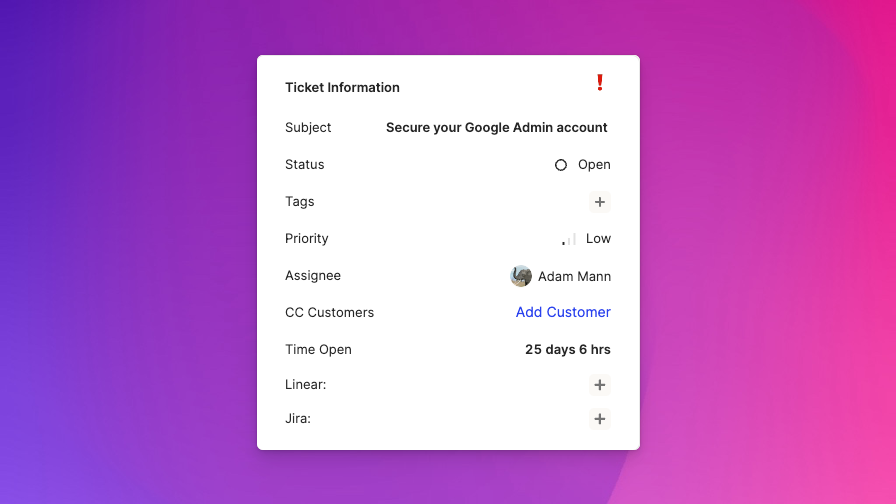
It can be helpful to get a quick understanding of a ticket’s topic by glancing at the title of the ticket. While this has always been present for email tickets, we’ve now introduced subjects for all tickets. It’s empty by default and can be manually edited from the Ticket information card in the info pane.
Additionally, for email tickets, you can now CC other people (customers, visitors, or any person at all) by clicking “+ Add CC” in the Ticket information card in the info pane and typing an email address.
Search for CSAT, tag groups, browser, and OS
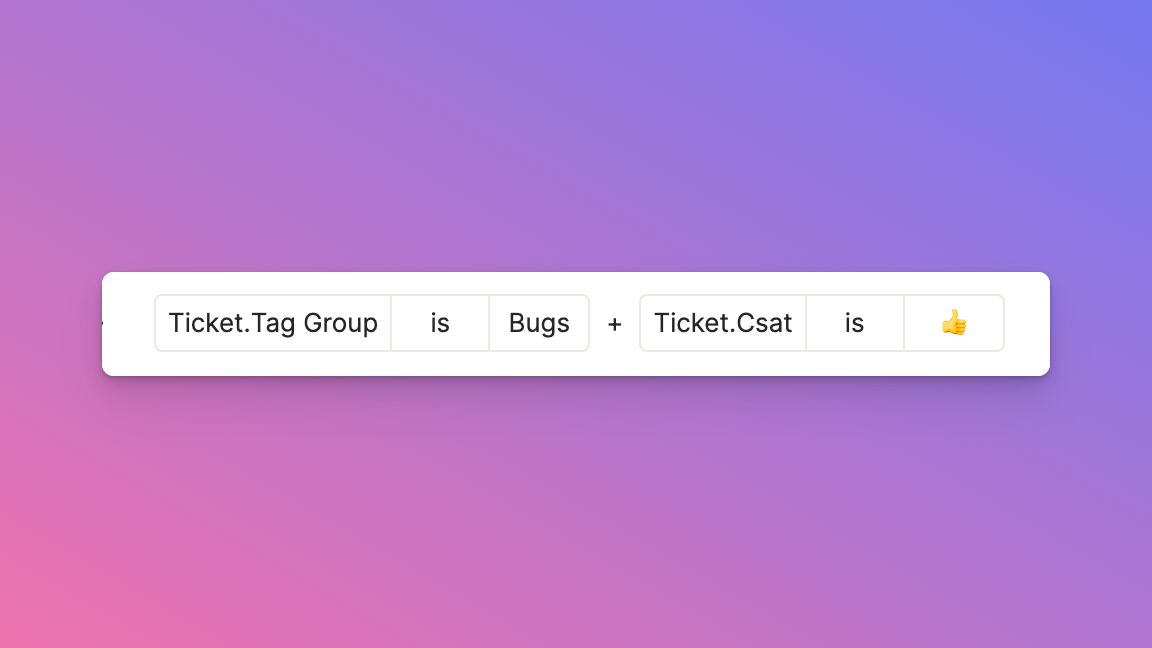
You can now triangulate tickets even faster with four new filters we’ve added to the universal search: tag group (in addition to ticket tags which were already available), CSAT, browser, and OS.
If you aren’t already using tag groups, you can set them up in App Config > Tags. If you’re not sure which groups to use, we’d recommend you start with 🐞 Bugs, 📚 User education, 🙋 Feature request, and 💪 Manual tasks. (More on that here.)
New report filters
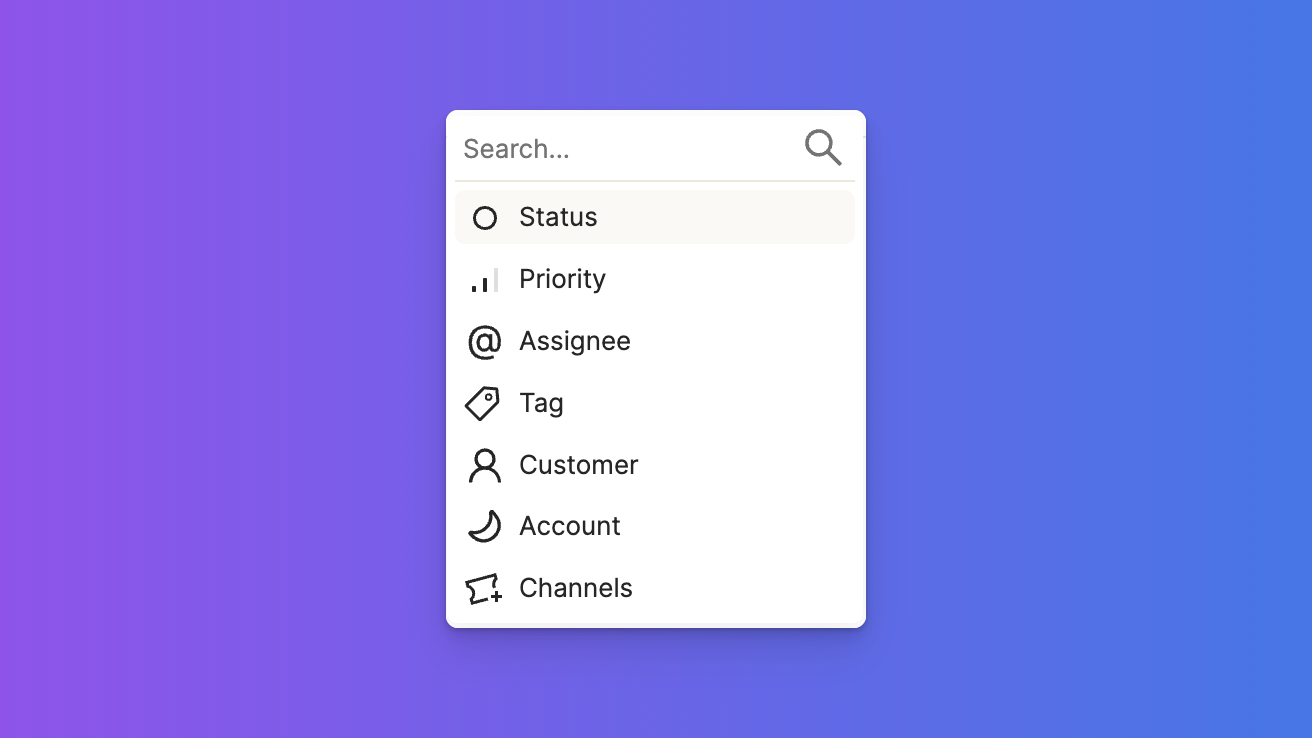
We’ve revamped our report filtering options and added lots of different filters, including:
- status
- priority
- assignee
- tags
- customer
- account
- channels
You can also specify the date range more easily and dynamically now in the same filter section.