We’ve made a grip of changes to make sending messages more robust. You can now:
- add multiple emails and phone numbers to send messages to your customers
- add email signatures
- switch the channel of a message within a ticket
- add alternative phone numbers and emails to a customer’s profile
Multiple senders
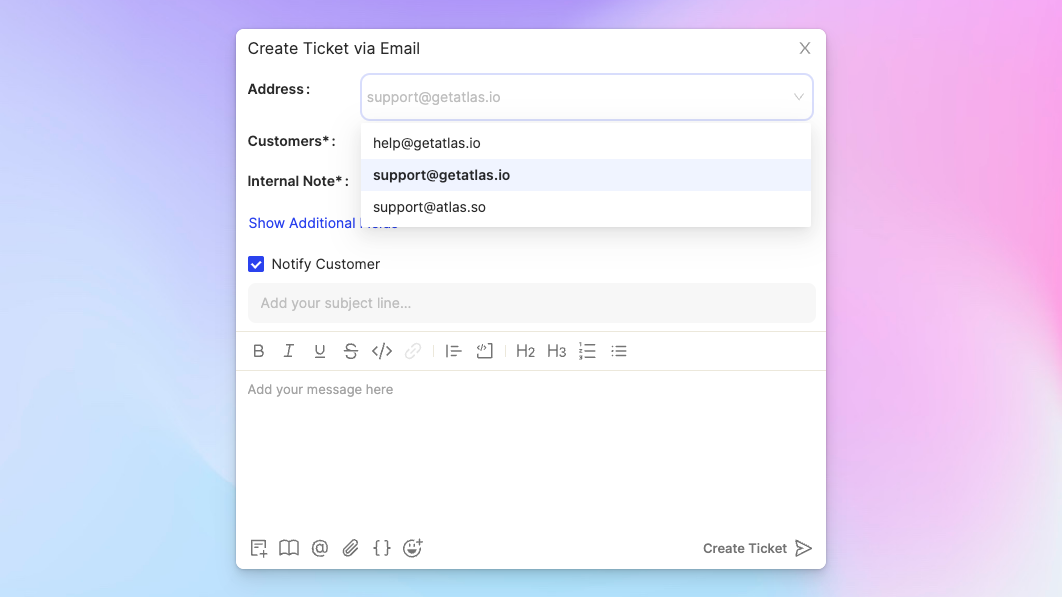
You can now add multiple senders (emails or phone numbers) from App Config > Email and App Config > SMS. If you want to set a single name for the sender regardless of who is sending a message, enable the custom sender name.
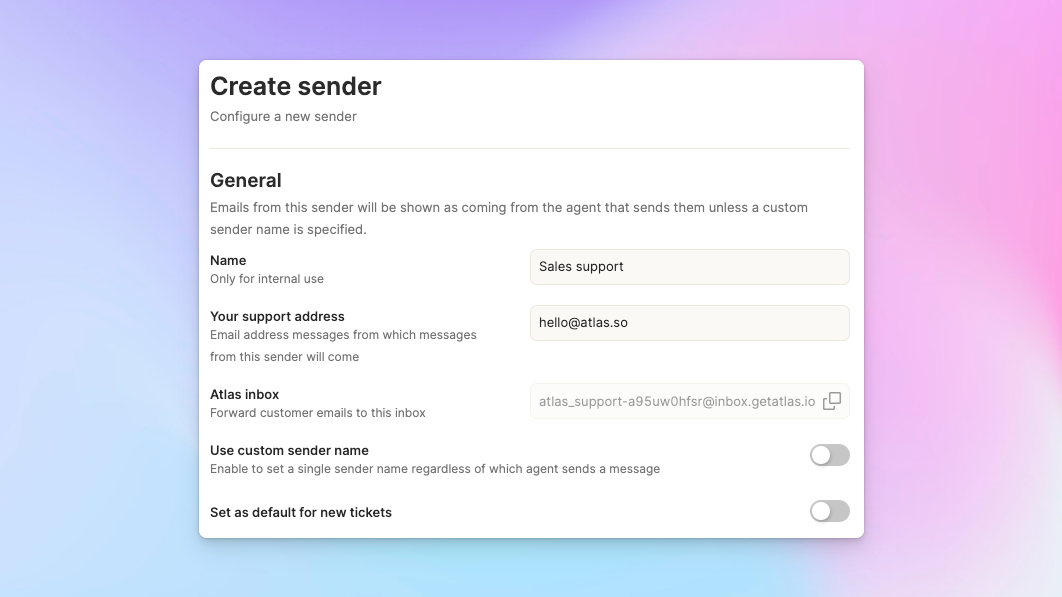
You can change the sender from the top of the composer. The default sender for new outbound responses is set in sender properties.
Email signatures
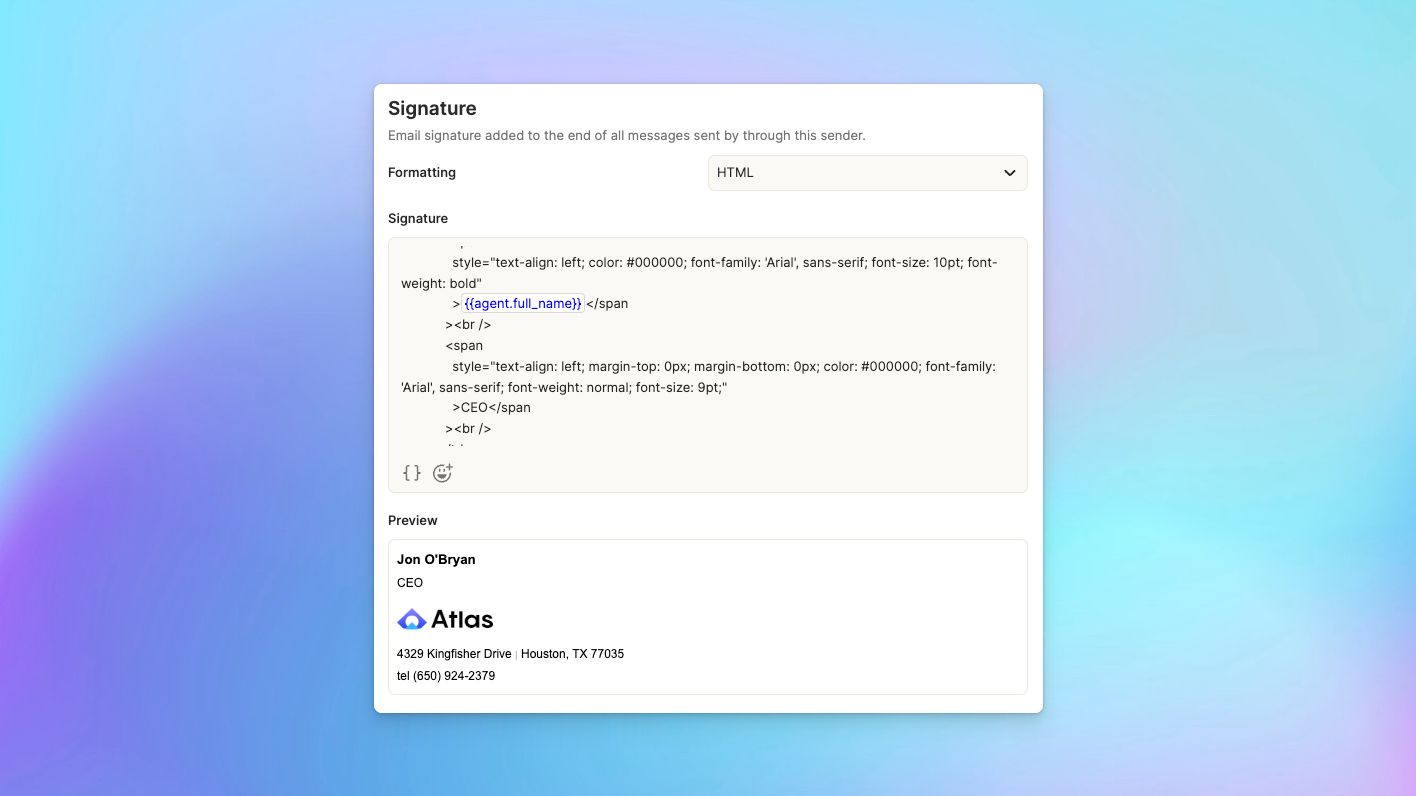
For each sender, you can create an associated signature either from formatted text or HTML. You can also use variables within signatures to customize them on a per agent basis.
Switch channels
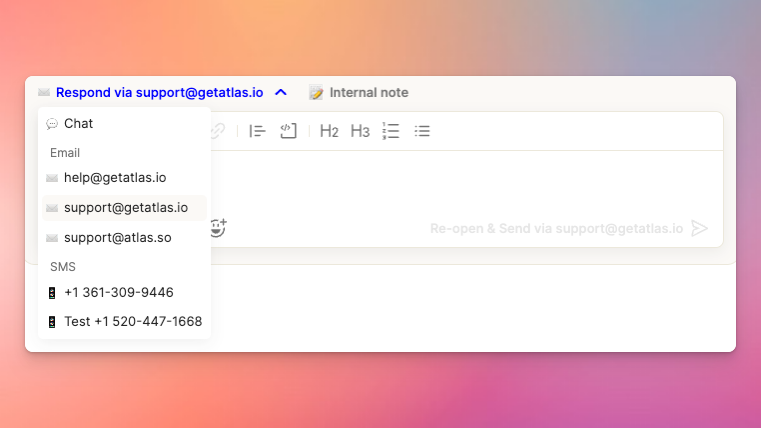
When you’re talking with a customer, you can now switch to a different channel with them. The default channel is the last channel that you spoke to the customer on.
Alternative phone numbers and emails
Sometimes a customer has multiple numbers and emails they use to reach out to you. You can now add those to their customer profile so that emails and SMS messages are correctly associated with them.