We’re shipping three features this week that we’ve really enjoyed internally and are excited to share with you.
- Preview Linear issues linked to tickets
- Auto-close tickets after a certain amount of time in an inbox
- Images in emails can now be shown inline
Revamped Linear activity
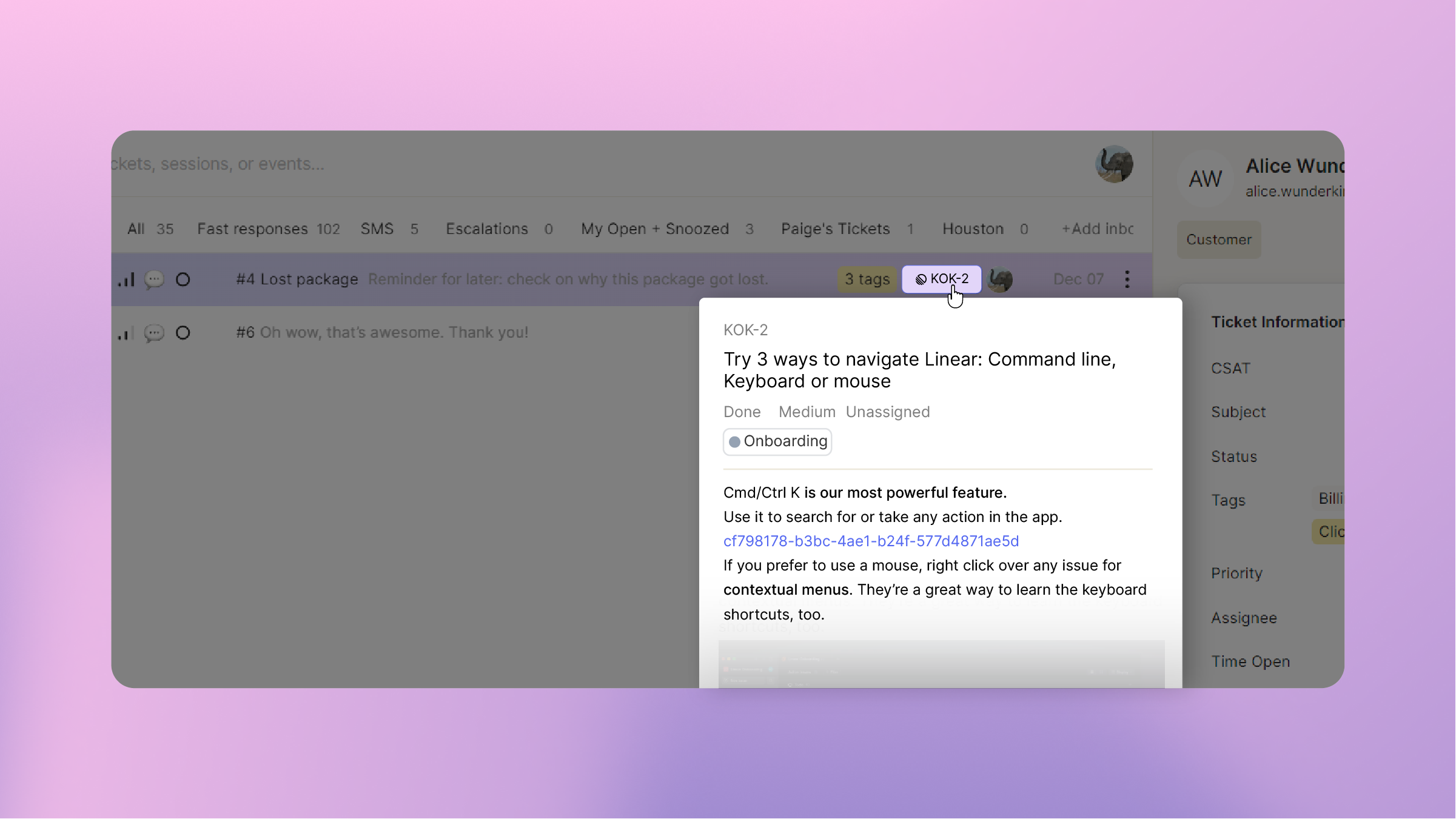
You can now preview Linear issues linked to tickets by hovering over the Linear chip (in the inbox, Info Pane, or ticket header). We’ve also cleaned up Linear issue activities in the ticket timeline to give you more information at a glance.
Auto-close tickets
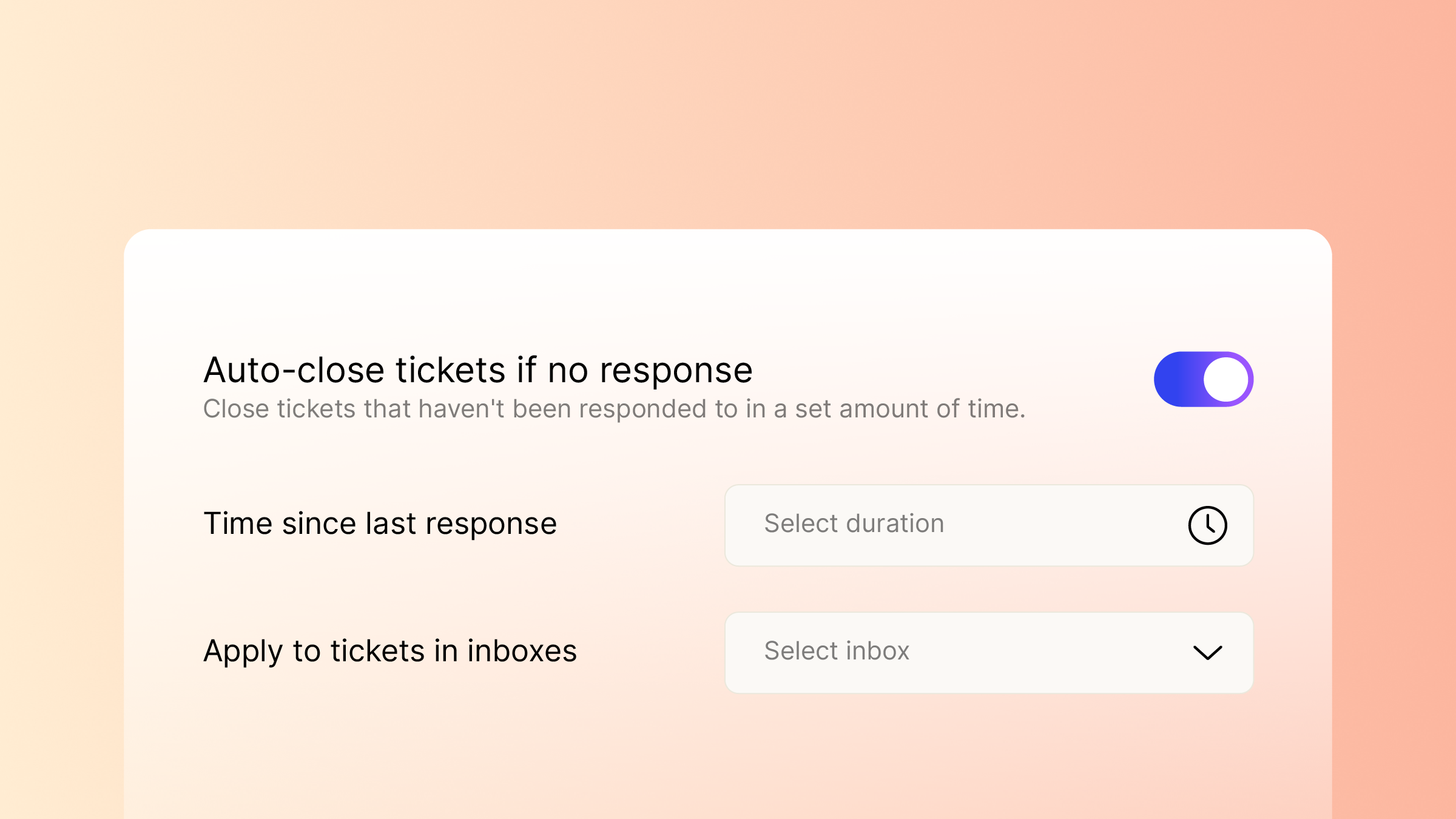
We’ve added an automation (App Config > Ticket Management > Automations) so that you can keep your inboxes tidy by automatically closing tickets that haven’t had activity in a certain amount of time. You can use any filters that you would normally use to create an inbox (eg, status, channel, assignee, etc.) to specify tickets that should automatically close.
Inline images in emails
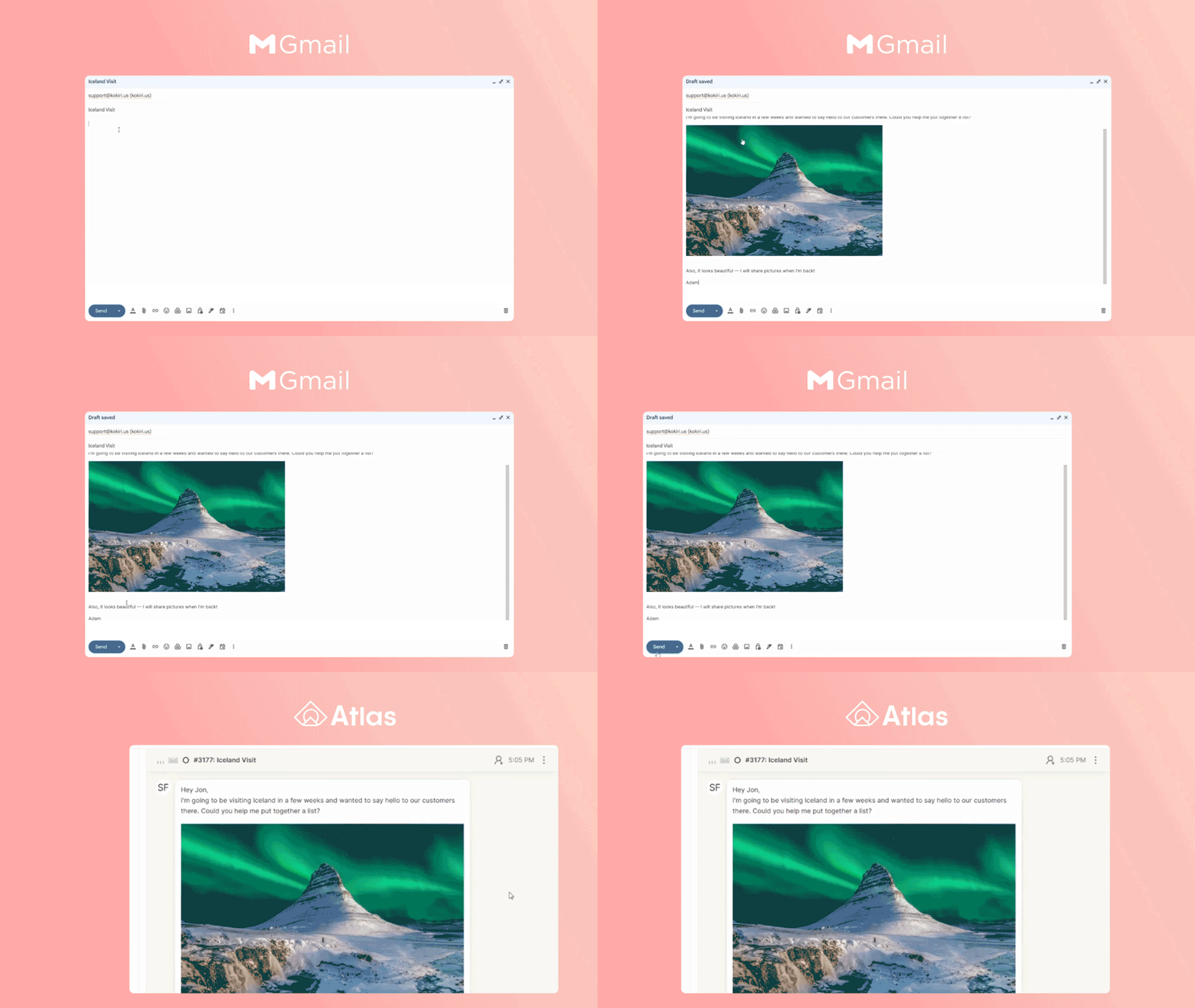
Emails in Atlas should look like emails in your favorite email client. To that end, we’ve now made it possible to view inline images… inline. 🙂