At Atlas, it’s always been our policy that you own your data. Now we’re making it easier for you to get access to your data in Atlas and share it when you need.
This week, we’ve launched three features to help you do this:
- Export to CSV
- Save ticket as PDF
- Share drafts
Export to CSV

Ever feel like doing a spreadsheet analysis of your ticket data? Me neither. But sometimes you need to do one, and getting a hold of your ticket data is the first step. Until now, this has required using our API to pull the data.
Now, you can export your ticket data to CSV by simply doing a search (/), adding the relevant filters, and clicking the download button next to the results. The results will be emailed to you as a CSV.
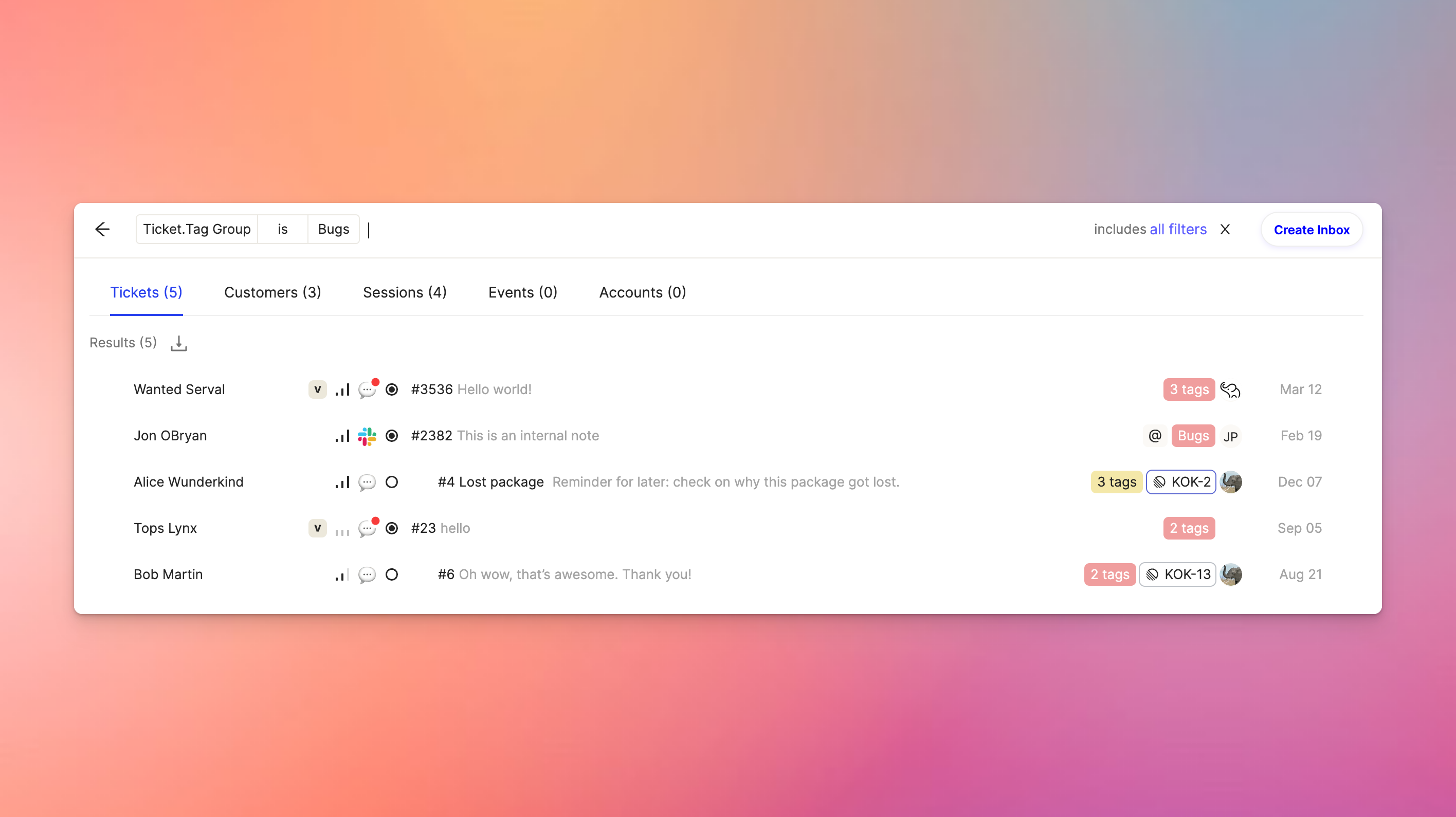
The same thing works for customers as well.
Share drafts
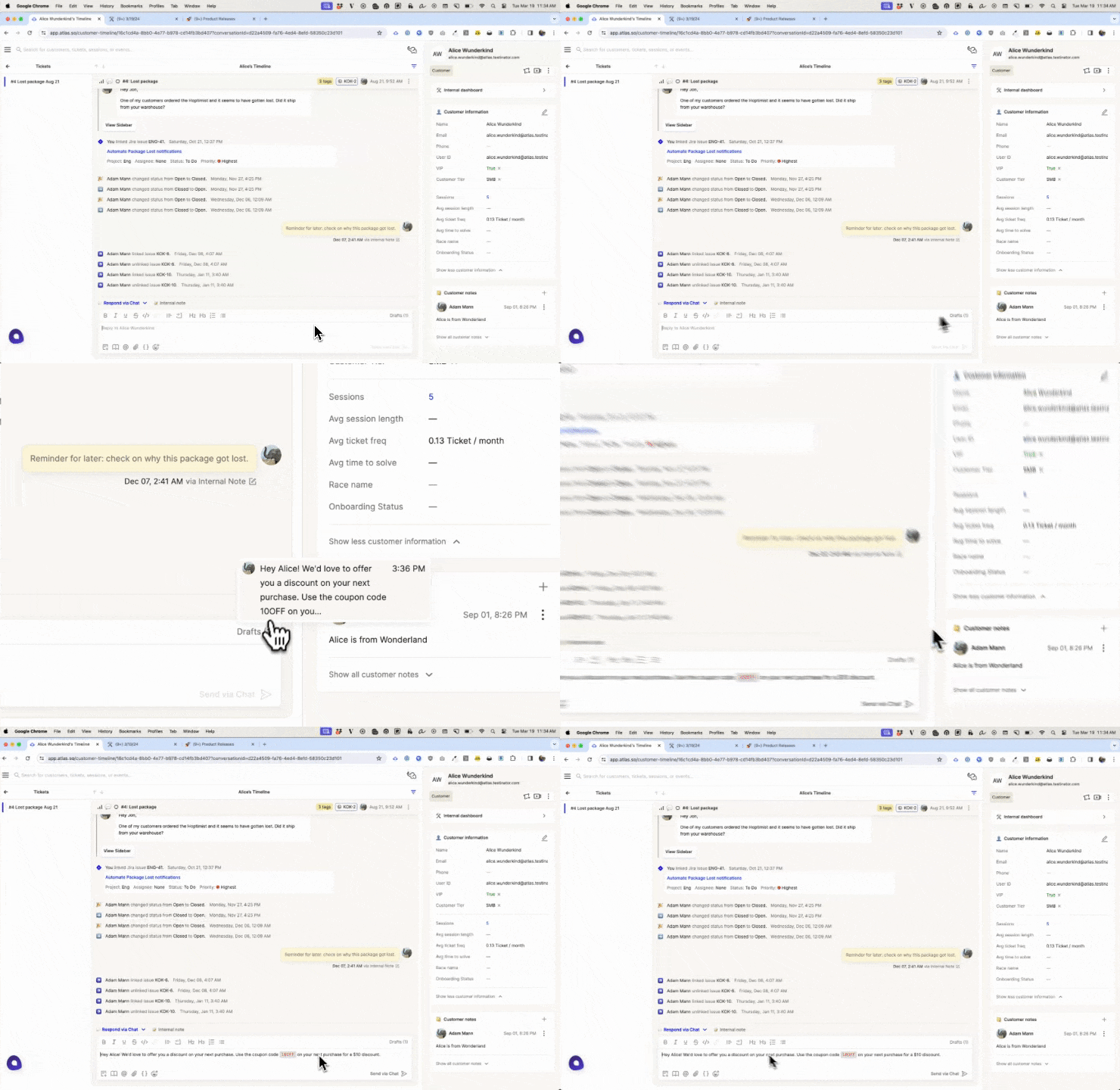
Want to preview another teammate’s response to a customer before they send it (eg, for new or junior teammates)? You can now collaborate with your teammates by enabling draft sharing. With draft sharing enabled, any time you or a teammate start a draft response to a customer, you can view and edit the draft in the ticket’s composer.
Save ticket as PDF
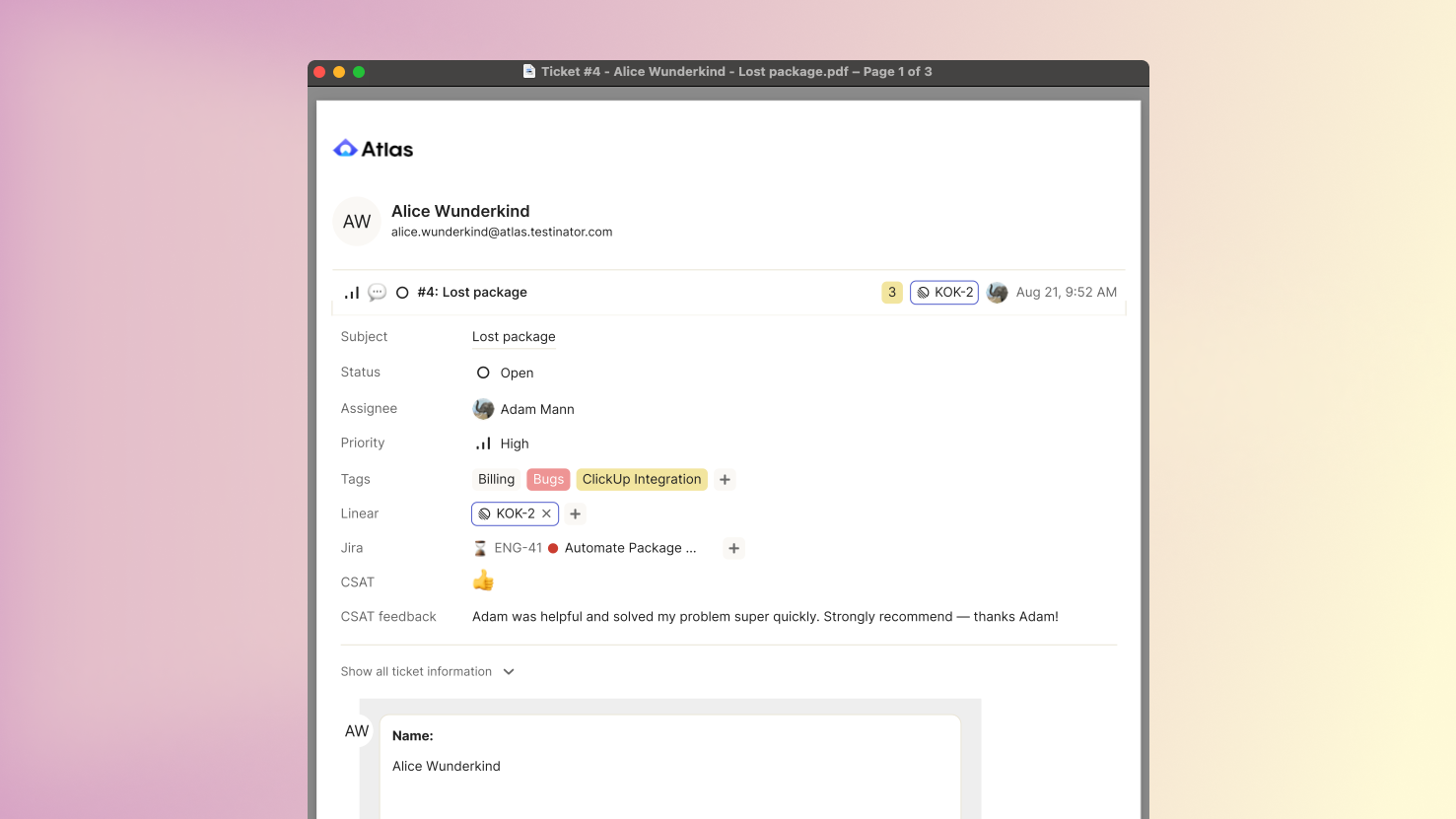
Occasionally, you need to document individual tickets for external purposes. You can now export any ticket to a PDF to do this easily.